Voice-controlled AI agents are moving onto the desktop
PLUS: For operators, this is less about talking to a bot and more about reducing the tiny…
You may soon be asking an assistant to pull a quote from one place, draft an email in another, and check a spreadsheet before you send it. That can save time, but only if the task has clear boundaries. If your team already struggles with folder structure, naming, approvals, or version control, voice will make the mess faster rather than cleaner.
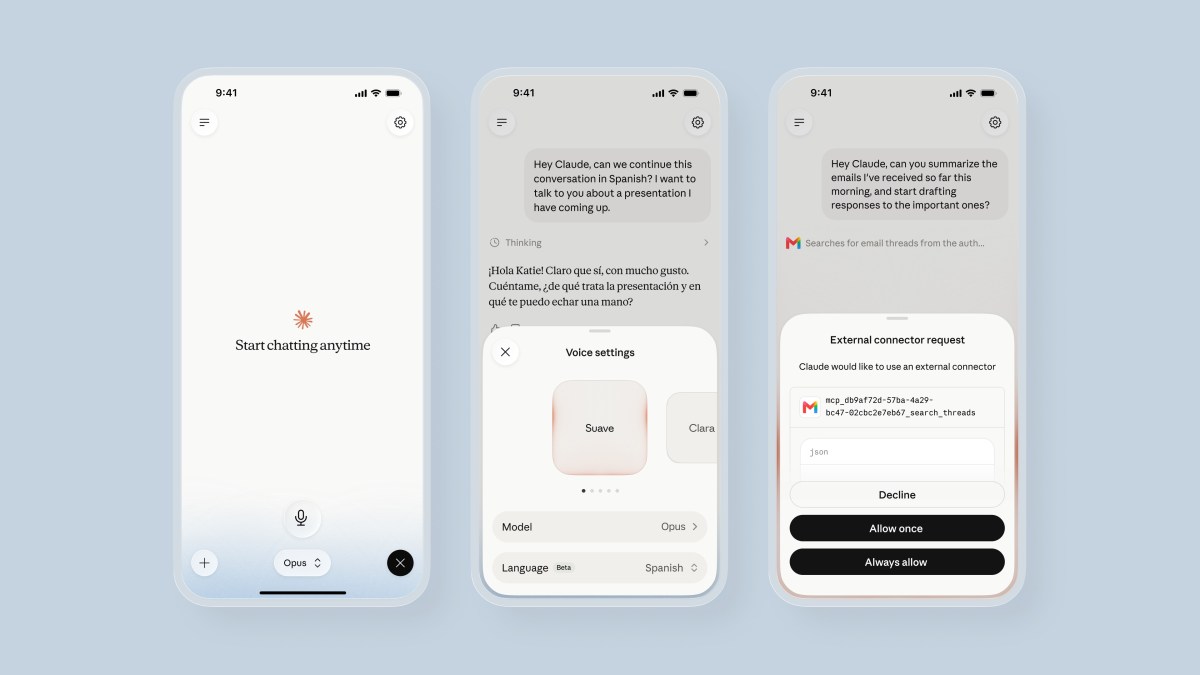
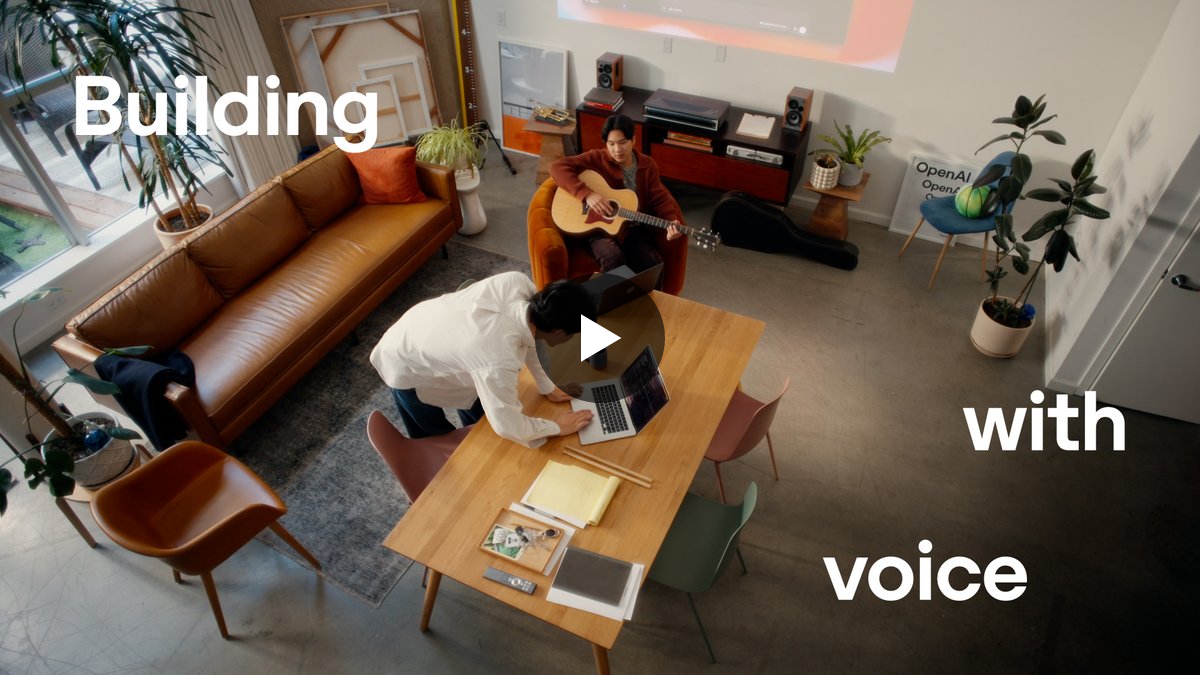
OpenAI says ChatGPT Voice is now in the desktop app, with voice control for computer use and for directing multiple agents in ChatGPT Work or Codex. The practical idea is simple: you speak the instruction, and the assistant can help move work across apps rather than waiting inside one chat window.
The shift to voice on the desktop matters because it changes the shape of AI work. A chat box asks you to stop, type, wait, copy, paste, and then return to the job. A desktop agent tries to sit inside the job itself.
That is useful for busy owners. You do not need another dashboard to babysit. You need fewer context switches: invoice checked, meeting moved, supplier email drafted, notes turned into a follow-up, job sheet cleaned before it reaches the team.
Voice makes this feel natural, but it also makes it easier to be vague. "Sort that out" is not a safe instruction when the assistant can act across tools. The better habit is to speak like you would brief a careful junior member of staff: what to inspect, what to change, what not to touch, and when to ask before sending.
The trade-off is control. Once AI can use your computer, permissions matter more than clever prompts. Start with low-risk jobs: drafting, comparing, summarising, preparing. Keep anything involving money, legal wording, customer promises, medical information, payroll, or publishing behind a human check.
This is not the moment to automate your whole business by voice. It is the moment to choose one recurring admin loop and write down the steps clearly enough that an assistant can follow them.
The useful question for today is: what work is already structured, repetitive, and annoying, but not dangerous if the first draft is wrong?
Act as an operations assistant. Help me turn one recurring admin task into a safe desktop AI workflow. Ask me for the task, the apps involved, the inputs, the output, what the assistant may change, what it must never change, and where a human approval is required. Then produce a step-by-step workflow I could read aloud to a voice assistant.